Manually
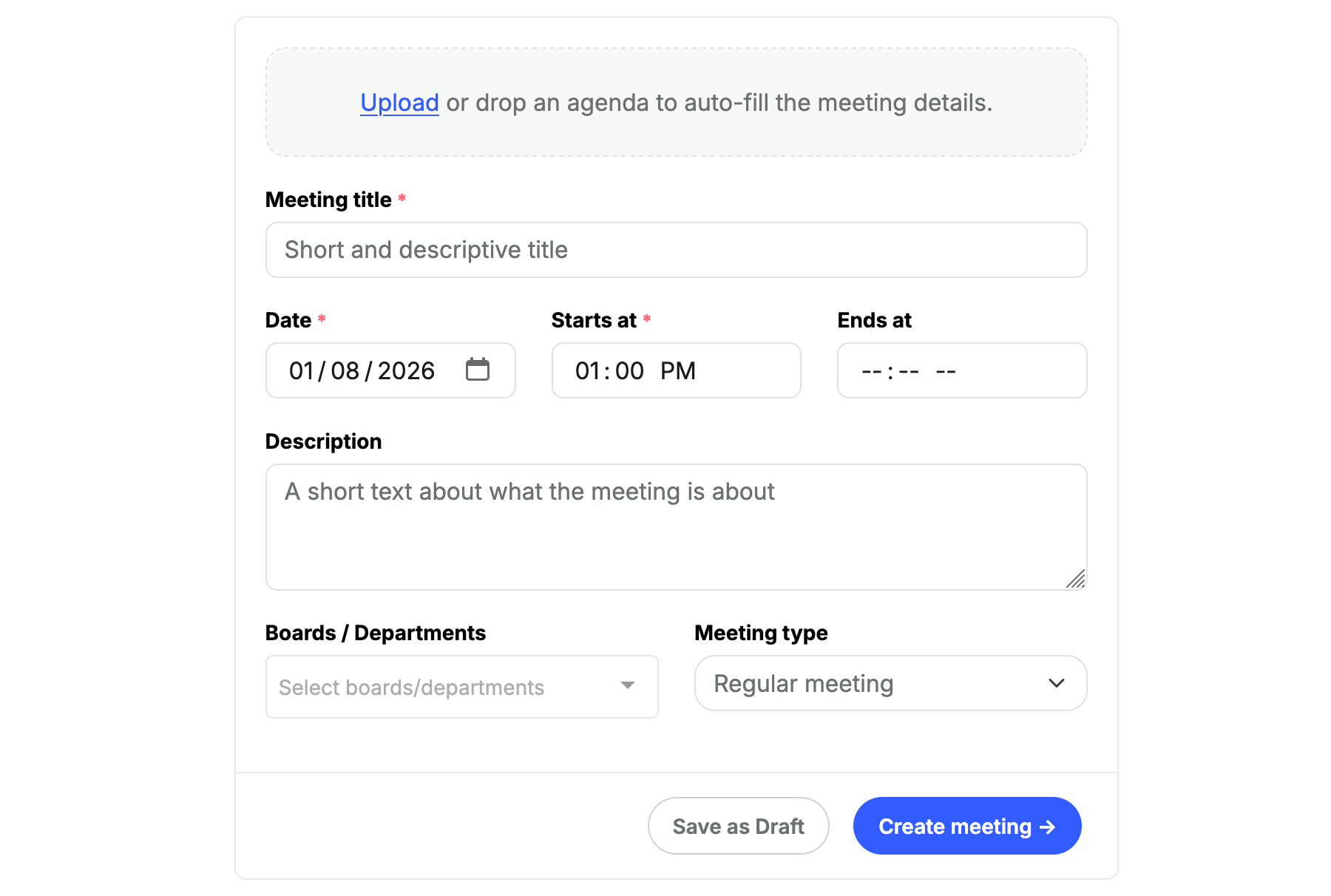
Fill the minimum of required fields, Title, Date & Start time, then click the Create meeting button.From an existing agenda
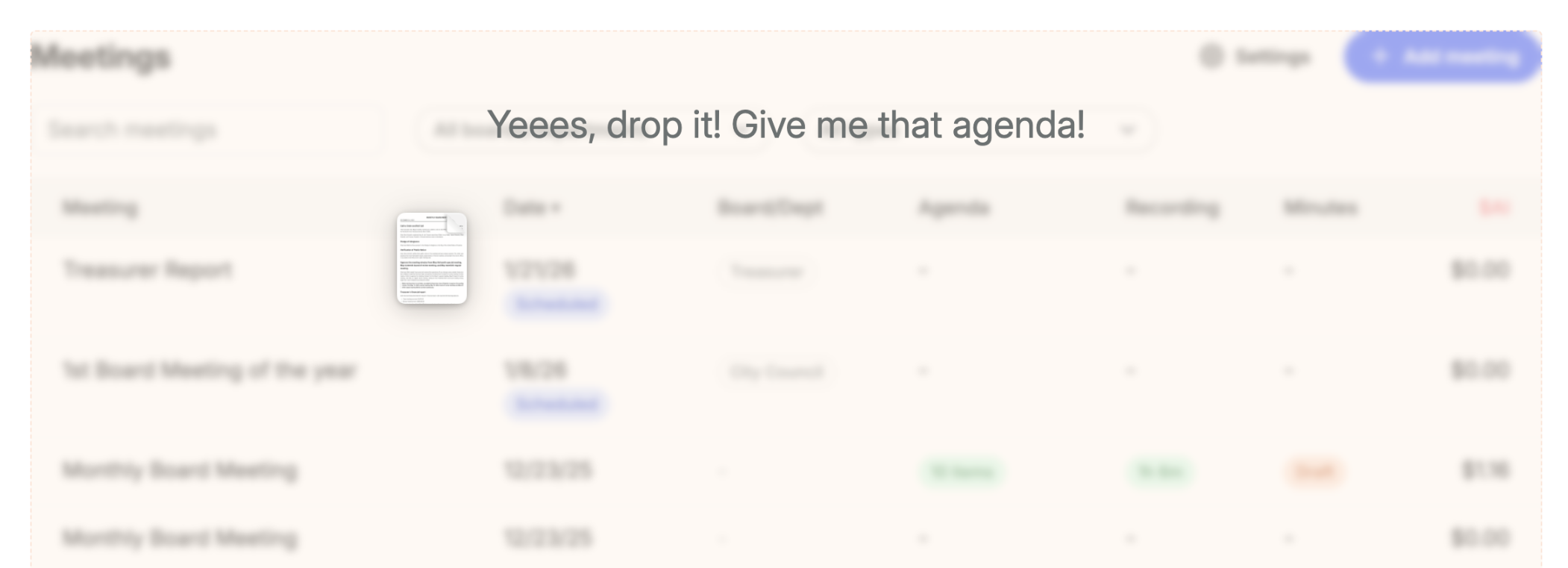
If you already have a meeting agenda as a PDF or DOCX document, you can upload or drop it in the Upload or drop agenda section. ClerkMinutes will read and extract all meeting details. After you review the details, click the Create meeting button.Agenda import shortcut: You can simply drop a meeting agenda (PDF or DOCX) in the meetings list page. ClerkMinutes will read the agenda, create the meeting and import the agenda items in one go.