
Overview
The Agendas are an important resource in creating the minutes. It tells the AI what to focus on while listening through the recording. Agendas can be created or imported in ClerkMinutes. If you have an agenda prepared outside ClerkMinutes, here’s how to import it (agenda items, descriptions, speakers, and more):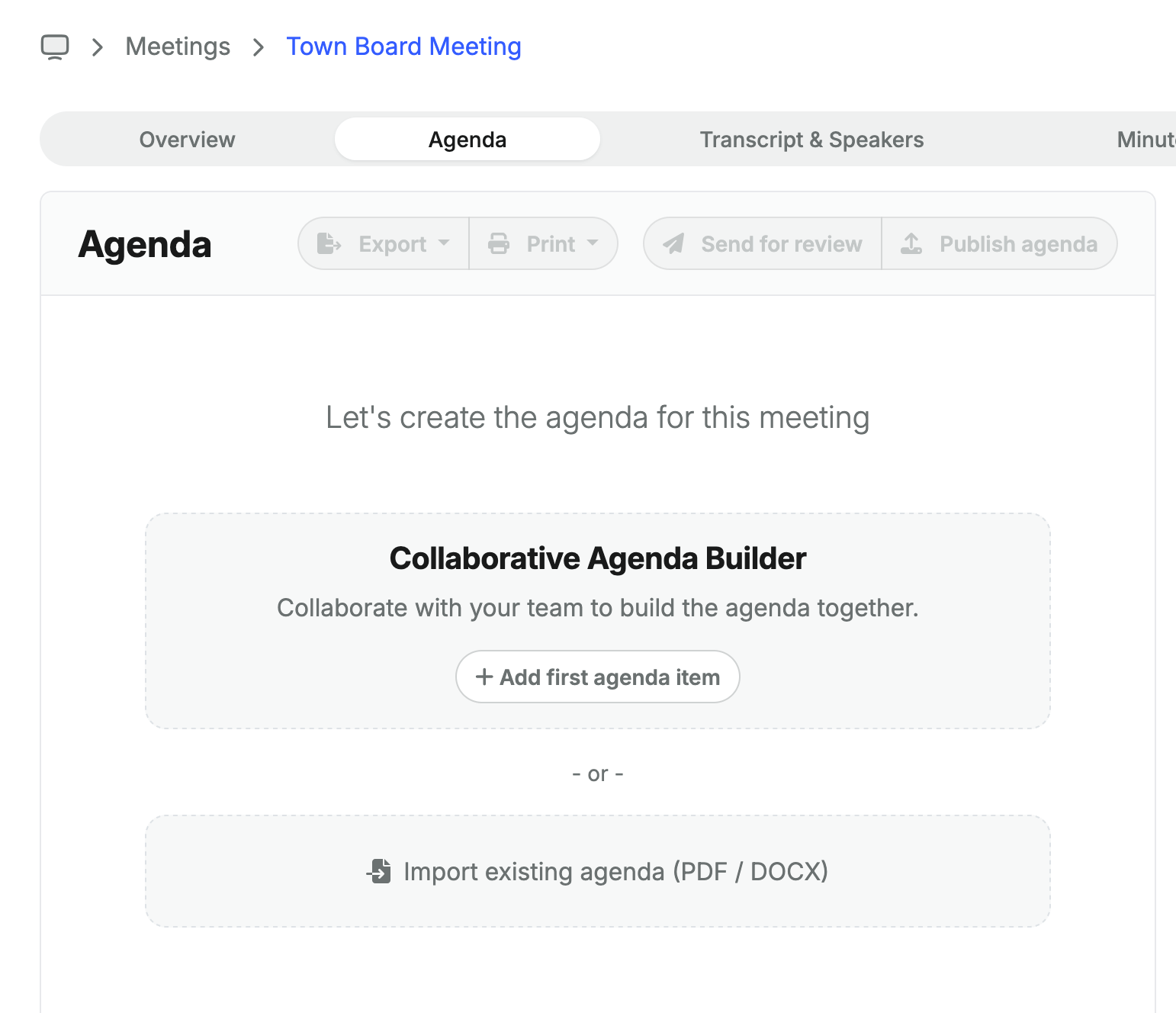
Steps to import an agenda
- Head over to the meeting page, then open the
Agendatab - Localte the “Import existing agenda” area
- Click on the button to browse for a file, or drag&drop the file in the area
- Allow ClerkMinutes up to 2 minutes to upload & process the agenda
- Review the imported content
Supported agenda documents
Currently ClerkMinutes supports importing documents with a maxmium file size of 30mb and following formats:- PDF (
.pdf) - Word Document (
.doc,.docx)